Microsoft Word is an essential skill in today’s world. It’s widely used in education, business, and everyday communication. Whether you’re preparing assignments, reports, or professional documents, knowing how to use Word efficiently can make a big difference.
If you’re currently studying or considering part-time courses in Word Processing (Level 4 & 5) in Ireland, adding small skills like using emojis can help make your documents more engaging and modern.
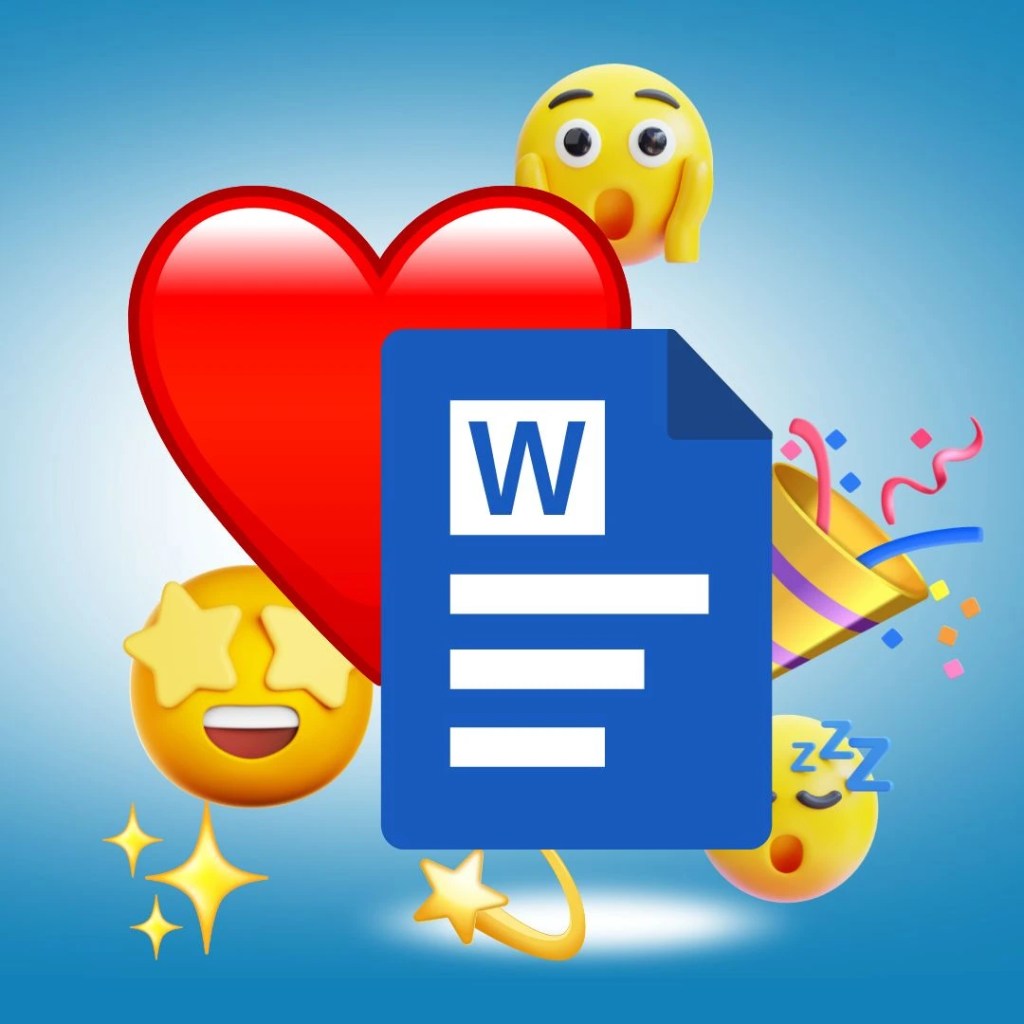
Why Use Emojis in Word?
Emojis are colourful symbols and faces that help express ideas, tone, and emotion. They’re commonly used in emails, online communication, and even informal business documents. When used appropriately, they can:
- Make content more engaging
- Help highlight key points
- Add a modern touch to documents
How to Insert Emojis in Microsoft Word
While emojis are easy to use on phones, many people find them confusing on a computer. Fortunately, Microsoft Word offers a simple method using Unicode codes.
Using Alt + X (Unicode Code Method)
This is one of the easiest ways to insert emojis in Word:
- Type the hexadecimal Unicode value Example:
1F44D(Thumbs Up 👍) - Press Alt + X
- The code will convert into the emoji
You can also press Alt + X again to switch back to the code if needed.
Example:
- Type
1F923 - Press Alt + X
- You’ll get 🤣 (Rolling on the Floor Laughing)
Important Notes:
- Not all codes work on older versions of Word
- If a code doesn’t convert, try using your system’s emoji picker instead
What Are Emojis?
Emojis are part of a universal system created by the Unicode Consortium, a non-profit organisation that standardises text symbols across devices. This ensures emojis appear consistently whether you’re using a computer, tablet, or phone.
Today, there are over 1,300 emojis available, including:
- Smileys and facial expressions
- Symbols and icons
- Objects, animals, and more
They are widely used in platforms like email, messaging apps, and social media.
Learn More with Our Word Processing Courses (Ireland)
If you want to build confidence in Microsoft Word, our part-time Word Processing Level 4 & 5 courses are designed for adult learners across Ireland.
In our courses, you will learn:
- Document formatting and layout
- Keyboard shortcuts and productivity tips
- Creating professional reports and letters
- Practical skills for work and education
We focus on simple, step-by-step learning to help you gain real-world skills you can use immediately.
Final Thoughts
Learning small features like emojis might seem minor, but they are part of modern digital communication. As workplaces and education continue to evolve, having strong Word processing skills is more important than ever.
If you’re ready to improve your skills, a structured course can help you gain confidence and open new opportunities.
Interested in joining a course? Get in touch today to learn more about our flexible, part-time options for adult learners in Ireland.
 Dr. Stevens Resource Centre